CGP - Computer Graphics Programming
CGP is a lightweight C++ library to learn and prototype interactive 3D graphics with OpenGL: write a few lines of C++, see your shapes move on screen, and understand what the GPU does with them. It is developed alongside the course CSC_43043 - Introduction to Computer Graphics (Ecole polytechnique) and is free to use (MIT license).
Get started - See the examples - Browse the reference - CGP on GitHub
Drag with the mouse to turn around the shape: a torus reflects a sky box, with a few lines of shader code (the example explains how).
The spirit of CGP
- Close to OpenGL, without the boilerplate. CGP takes care of the window, the buffers and
the shader programs, but keeps the steps of the graphics pipeline visible: a
meshon the CPU is copied explicitly to amesh_drawableon the GPU, uniforms have names you can find in the shaders, and plain OpenGL calls still work next to CGP. - Readable code you can step into. The library is plain C++ source compiled with your
project, mostly free functions on simple structs (
norm(v),draw(shape, environment)), and the default shaders are short GLSL files you can read and copy. - One scene structure for every program. Each project starts from the same template:
initialize()once,display_frame()at every frame,display_gui()for the sliders. The course labs and the examples of this documentation all follow it. - Native and web. The same program compiles for Linux, macOS and Windows, and for the browser (WebGL with Emscripten): every interactive demo of this documentation is a CGP program. ImGui, the image and OBJ loaders come with the library; only GLFW is installed separately on Linux and macOS (Install and compile).
What it gives you
- Math: vectors and matrices (
vec3,mat4), rotations, frames and affine transforms (Rotations, frames and affine transforms). - Data: dynamic arrays and 2D / 3D grids (
numarray,grid_2D,grid_3D), images, random numbers and Perlin noise. - Shapes: meshes with primitives (sphere, cube, cylinder, grid, torus...), OBJ loading with materials, implicit surfaces with marching cubes, curves and trajectories.
- Rendering: drawables for meshes, curves and triangle soups, Phong materials, textures and cube maps, your own shaders and uniforms, instancing, frame buffers for multi-pass effects and shadow maps.
- Scene and interaction: articulated hierarchies, orbit, first-person and fly cameras, perspective and orthographic projections, mouse and keyboard, picking, timers, and an ImGui window for the GUI.
A first look
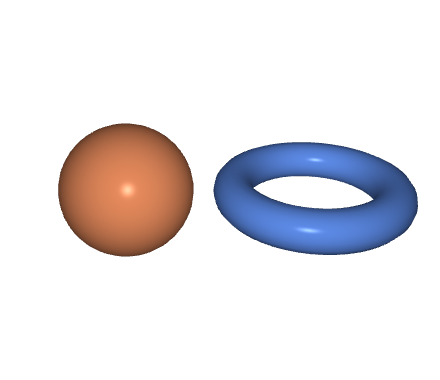
A few lines in the two functions of the scene template, and the image they draw. The
drawables are declared in scene_structure (mesh_drawable sphere, torus;); a mesh is
built once on the CPU, copied to the GPU, then drawn at every frame
(From CPU to GPU).
// initialize(): once
sphere.initialize_data_on_gpu(mesh_primitive_sphere(0.5f));
sphere.material.color = {1.0f, 0.6f, 0.4f};

mesh torus_mesh = mesh_primitive_torus(0.6f, 0.15f);
torus.initialize_data_on_gpu(torus_mesh);
torus.model.translation = {1.4f, 0.0f, 0.0f};
torus.material.color = {0.4f, 0.6f, 1.0f};

// display_frame(): at every frame
draw(sphere, environment);
draw(torus, environment);
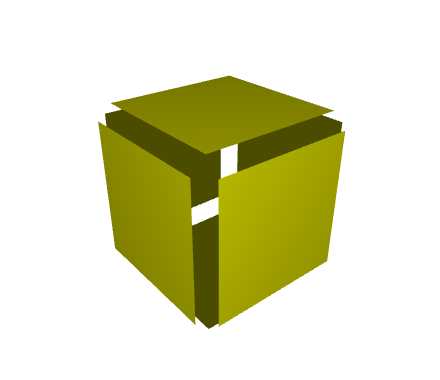
The vertices of a mesh are plain arrays that you can modify before sending them to the GPU. The faces of the cube do not share their vertices: moving each vertex along its normal separates them.
// initialize()
mesh cube = mesh_primitive_cube();
for (int k = 0; k < cube.position.size(); ++k)
    cube.position[k] += 0.1f * cube.normal[k];

cube_drawable.initialize_data_on_gpu(cube);
cube_drawable.material.color = {1, 1, 0};

// display_frame()
draw(cube_drawable, environment);
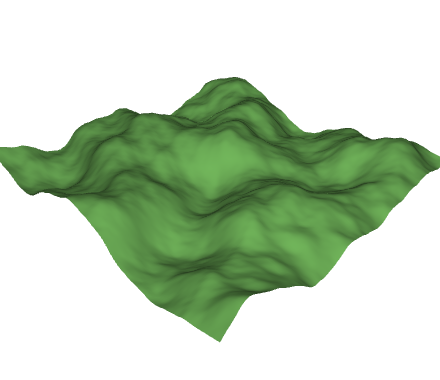
A grid whose heights come from a Perlin noise is a terrain; normal_update() recomputes the
normals of the deformed surface so that the lighting follows it.
// initialize()
mesh terrain = mesh_primitive_grid({-2,-2,0}, {2,-2,0},
    {2,2,0}, {-2,2,0}, 150, 150);
for (int k = 0; k < terrain.position.size(); ++k) {
    vec3& p = terrain.position[k];
    p.z = 0.8f * noise_perlin(0.5f * vec2{p.x, p.y}, 6);
}
terrain.normal_update();

terrain_drawable.initialize_data_on_gpu(terrain);
terrain_drawable.material.color = {0.5f, 0.8f, 0.4f};

// display_frame()
draw(terrain_drawable, environment);
Examples
Complete programs, each explained step by step with its live demo. Click on an image to open the example.
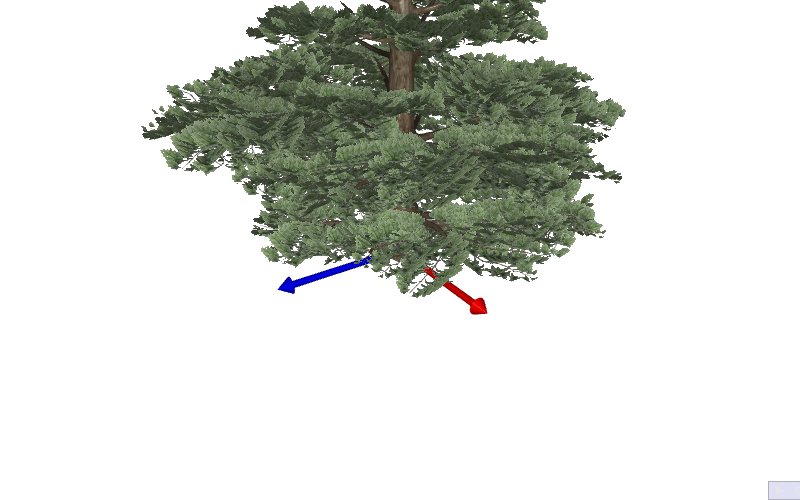 A pine tree with cut-out foliageShapes and surfaces
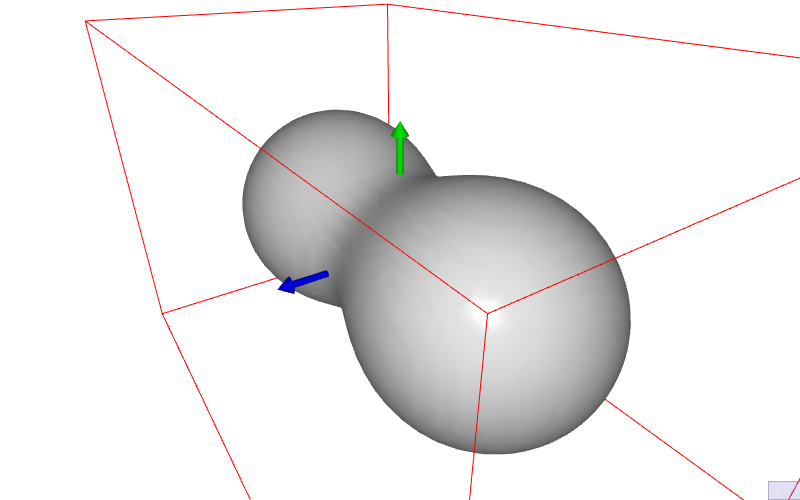 An implicit surface meshed onceShapes and surfaces
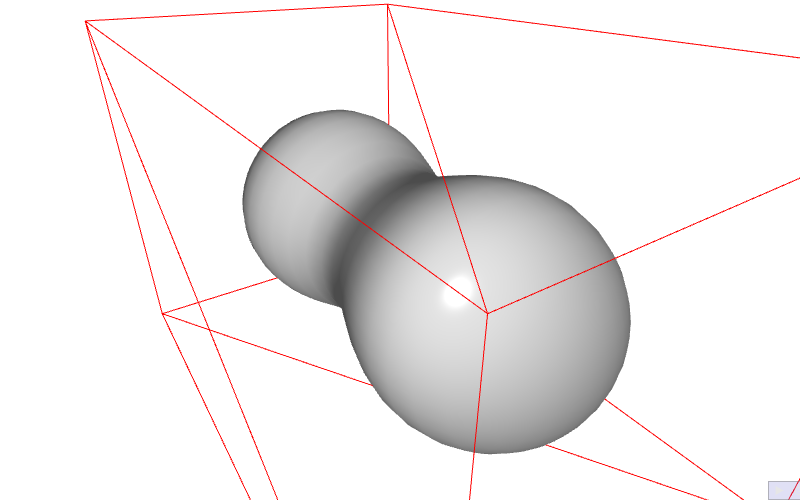 An implicit surface edited liveShapes and surfaces
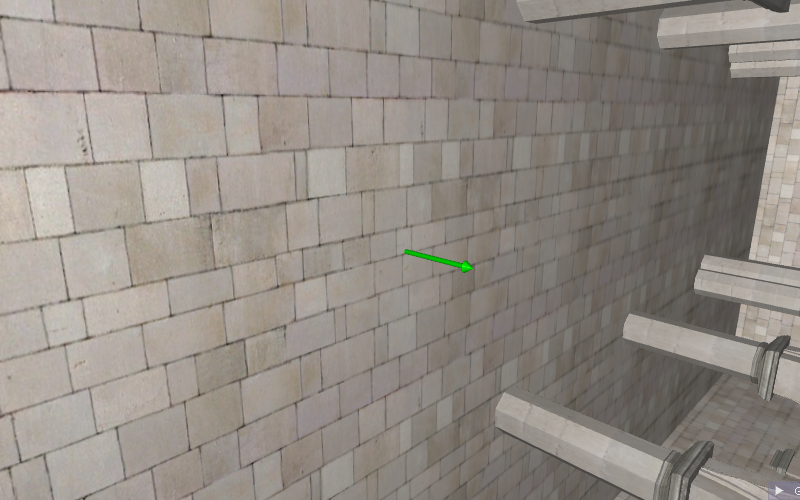 A building loaded with its materialsShapes and surfaces
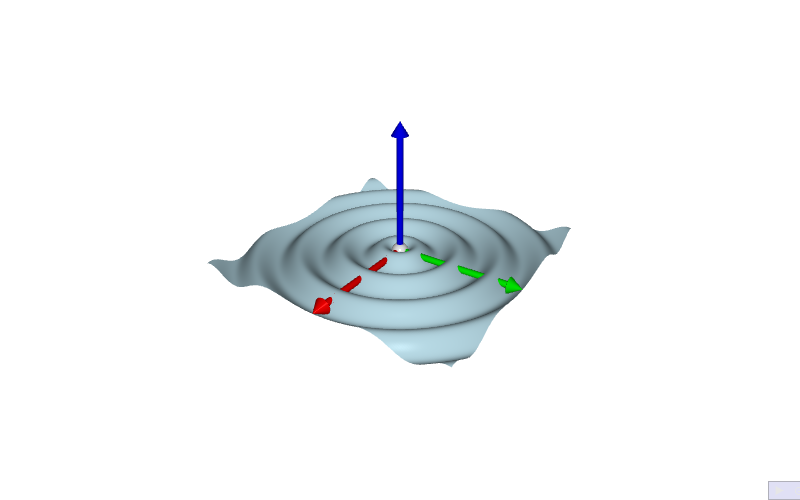 A surface deformed by its vertex shaderShaders and textures
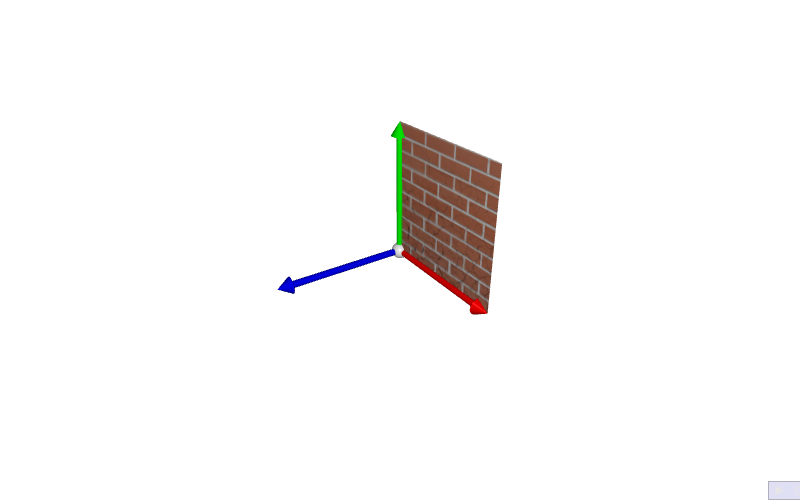 Two textures mixed in a shaderShaders and textures
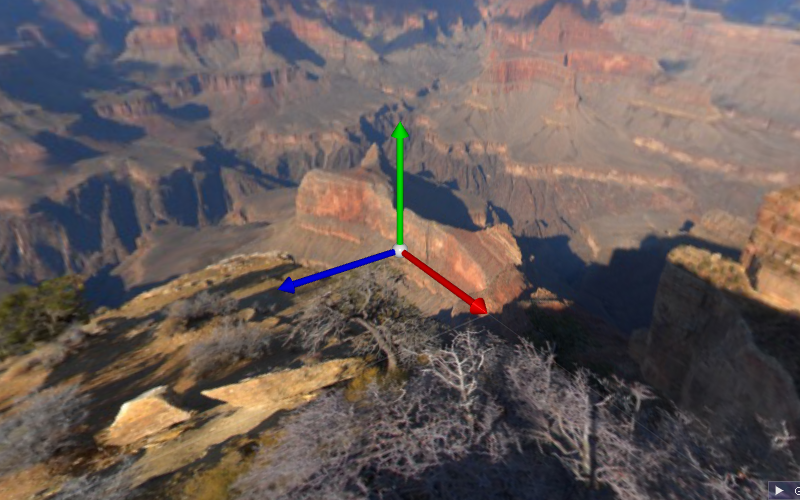 A skybox around a y-up sceneShaders and textures
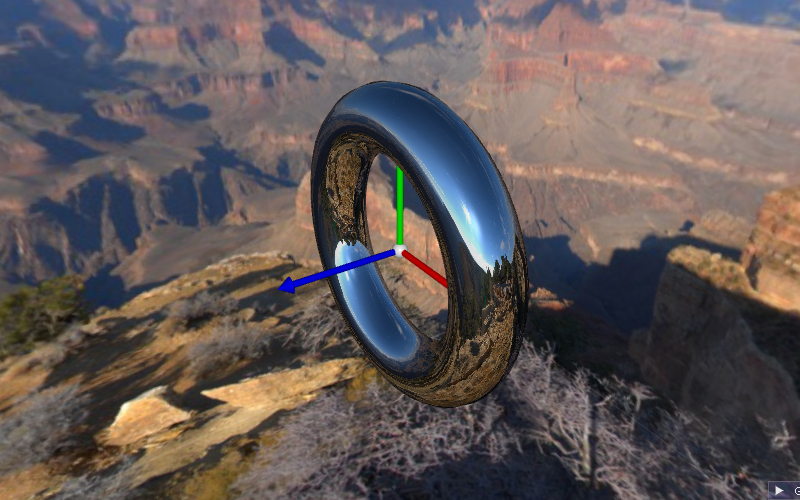 An environment map on several shapesShaders and textures
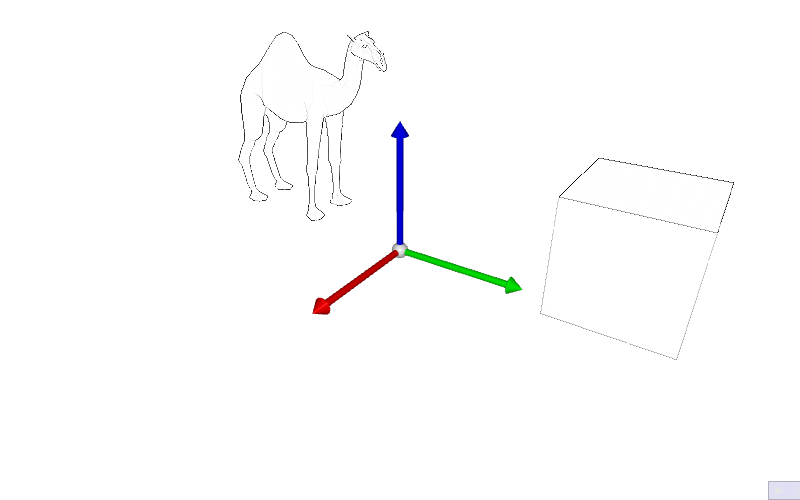 An image filter on the whole sceneMulti-pass rendering
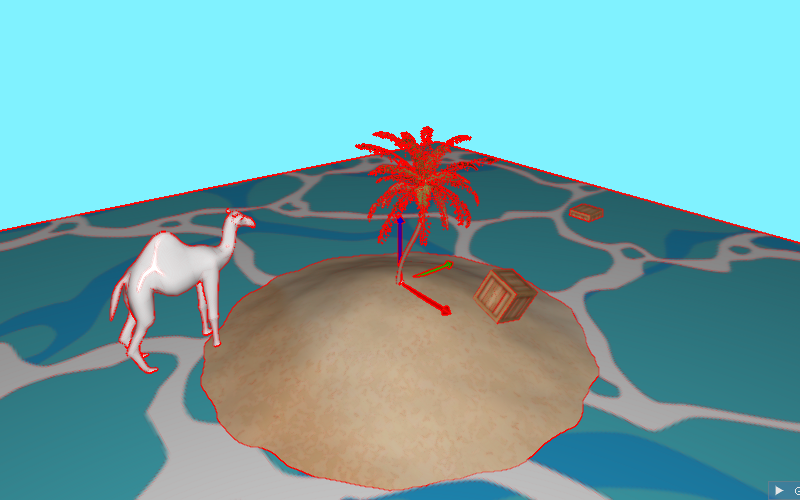 Image effects: colors, contours, deformationsMulti-pass rendering
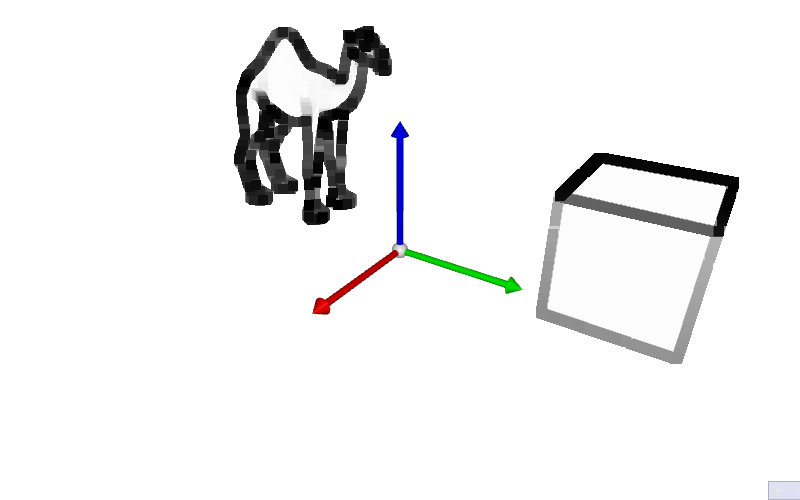 A chain of two image filtersMulti-pass rendering
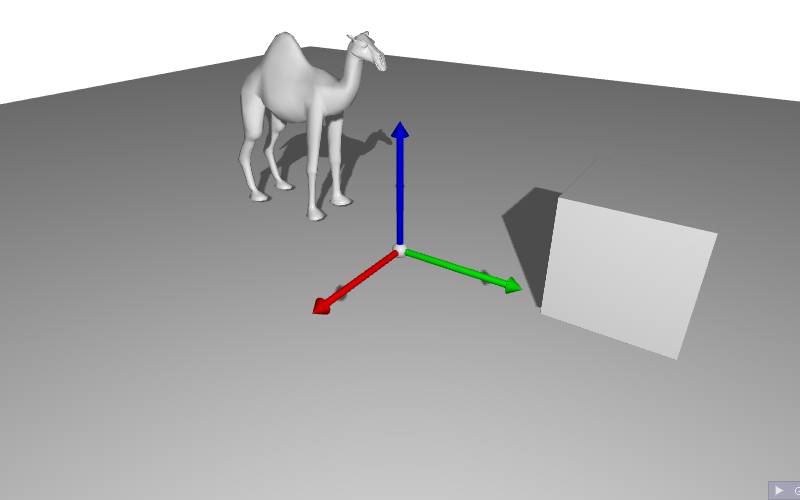 Shadows with a shadow mapMulti-pass rendering
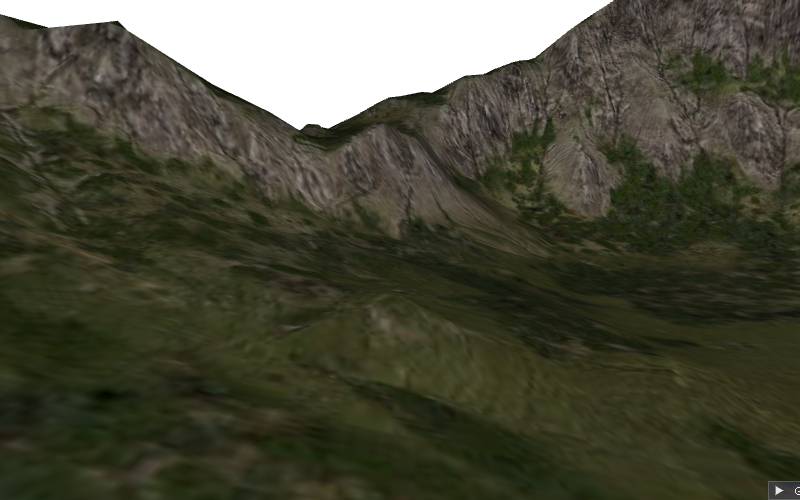 Fly over a terrainCameras and interaction
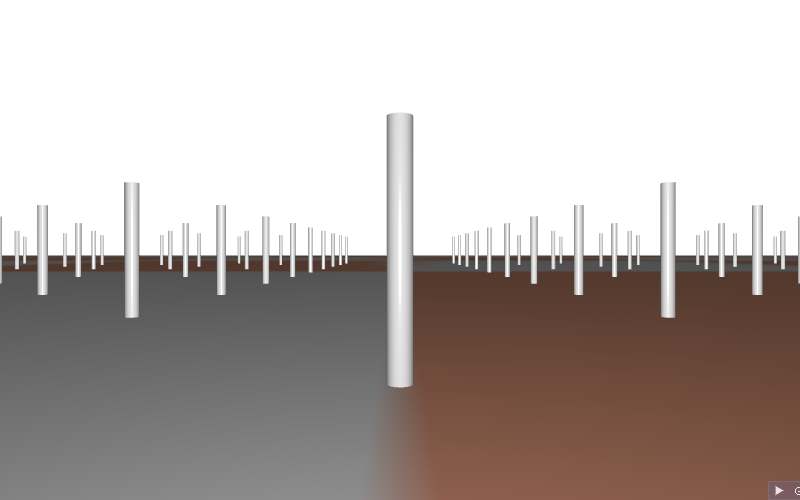 Walk on a plane with the keyboardCameras and interaction
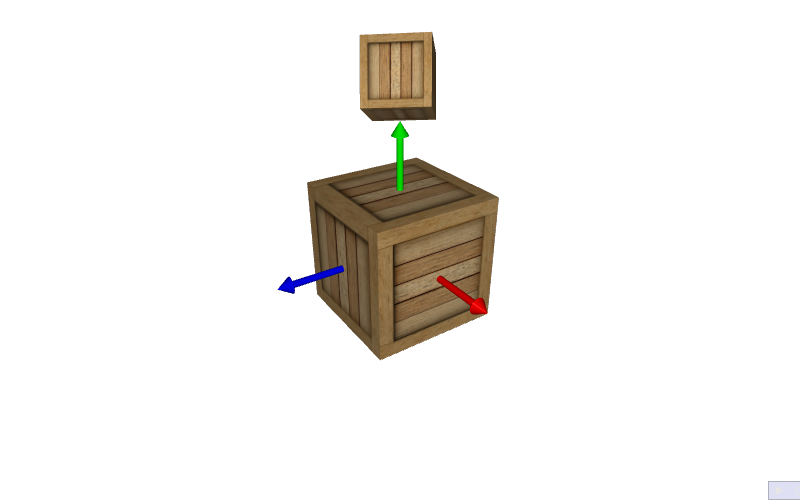 Two cameras in one imageCameras and interaction
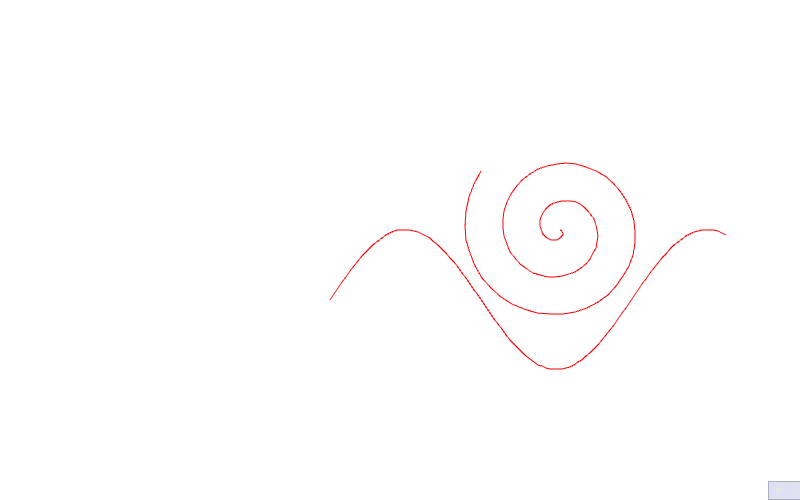 A 2D sketching programCameras and interaction
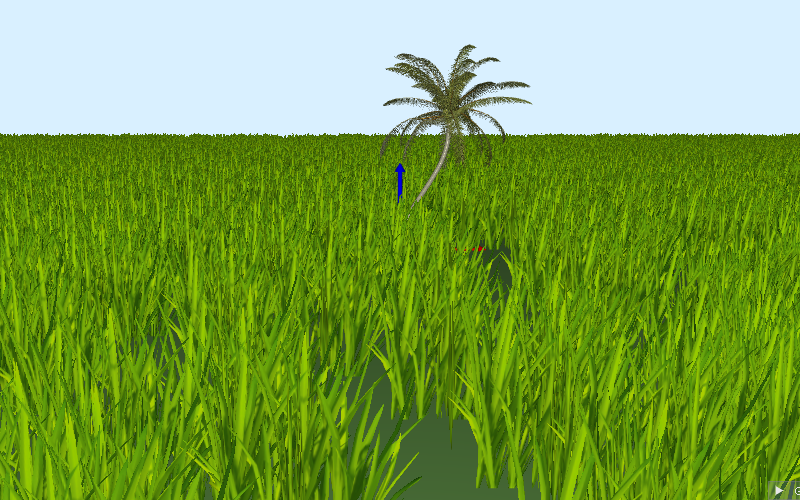 Grass with per-instance positionsInstancing
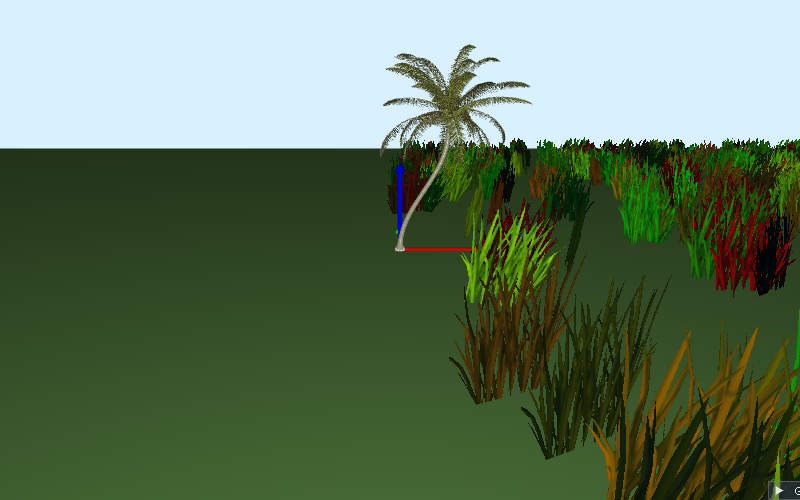 Procedural grass in the vertex shaderInstancing
Code on GitHub
| Repository | What you find there |
|---|---|
| drohmer/cgp-2027 | The CGP library and the project template: clone it to start (see Install and compile). |
| drohmer/epita_ani3d_lab_code-2027 | The examples of this documentation (folder examples/), each a complete project. |
| drohmer/csc43043ep-lab-code | The labs of the course CSC_43043 (public version, without the solutions). |
Where to start
The sections below follow the order of the menu.
- Get started - install and compile, then tour your first scene. Something goes wrong? Troubleshooting and error messages.
- Understand - how a 3D scene is built and rendered: the structure of a program, from C++ data to the GPU, shaders and uniform variables, camera models and their matrices, rotations and affine transforms, hierarchies of shapes, time and animation, mouse and keyboard. Start with Scene structure. An unknown word? See the Glossary.
- How-to - short recipes for common tasks, grouped by topic: shapes and meshes, appearance and textures, loading files, animation and interaction, shaders and rendering. Start with Draw a mesh with a camera, or see all the recipes.
- Reference - every type with its fields, its methods and the functions that apply to it,
and, next to the types of each theme, the pages of functions that take none of them
(random numbers, marching cubes, OBJ files, strings and files...).
CGP is mostly made of free functions (
norm(v),draw(drawable, environment)), so each type page lists what you can do with it: for instancevec3.
Common tasks
| I want to... | Recipe |
|---|---|
| draw a sphere, a cube, a cylinder... | Create basic shapes |
| move, rotate or scale a shape | Move, rotate and scale a shape |
| change the color of a shape, make it transparent | Change the color of a shape |
| put an image on a shape | Apply a texture image |
| load a 3D model | Load a 3D model from an OBJ file |
| animate a shape | Animate a shape with time |
| add a slider or a checkbox | Add GUI controls |
| click on an object and move it | Select and drag objects with the mouse |
| write my own shader | Send a custom uniform to a shader |
| understand an error message | Troubleshooting and error messages |
Something else? Use the search box at the top of the page: it covers the guides and every function of the reference.