3/11
3. Events and CSS
Javascript can modify the CSS appearance of the element.
Consider this example changing the classes of the element
HTML
<h1>Click on me!</h1>
<div class="square"></div>
CSS
div {
  width: 200px;
  height: 200px;
}

.square {
  background-color: yellow;
}

.circle {
  background-color: red;
  border-radius: 50%;
}
JavaScript
const title = document.querySelector('h1');
title.addEventListener('click',actionClicked);

function actionClicked(event) {
  const element = document.querySelector('div');
  element.classList.remove("square");
  element.classList.add("circle");
}
And observe the behavior when clicking on the title.
⇒ Adding/Removing a class to an element within JavaScript code can be done with the following syntax:
-
elementName.classList.add('className')
-
elementName.classList.remove('className')
-
elementName corresponds to the JS variable related to the element on which the class should be added/removed.
-
className corresponds to the name of the class to add/remove (You should not precede the name with a dot in this case).
-
Another option would be to describe all the possibilities in the HTML document (both square and circle), but only drawing one or the other dynamically.
<h1>Click on me!</h1>

<div class="square"></div>
<div class="circle invisible"></div>
div {
width: 200px;
height: 200px;
}
.square {
background-color: yellow;
}
.circle {
background-color: red;
border-radius: 50%;
}
.invisible {
display: none;
}const title = document.querySelector('h1');
title.addEventListener('click',actionClicked);
function actionClicked(event) {
const circle = document.querySelector('.circle');
const square = document.querySelector('.square');
square.classList.add("invisible");
circle.classList.remove("invisible");
}Exercise 1
Consider the following HTML content
<body>

<h1>Type</h1>
<p class="click_circle">Circle</p>
<p class="click_square">Square</p>
<h1>Color</h1>
<p class="click_red">Red</p>
<p class="click_yellow">Yellow</p>

<div class="circle red"></div>

</body>
And CSS content
h1 {
    font-size:130%;
    color:gray;
}
p{
    margin-left: 2em;
}
p:hover {
    color: gray;
    cursor:pointer;
}

div {
    margin-top: 4em;
    margin-left: 2em;
    width:200px;
    height:200px;
}

.circle {
    border-radius:50%;
}


.red {
    background-color: red;
}

.yellow{
    background-color: yellow;
}
Write the JavaScript code modeling the following webpage behavior
Exercise 2
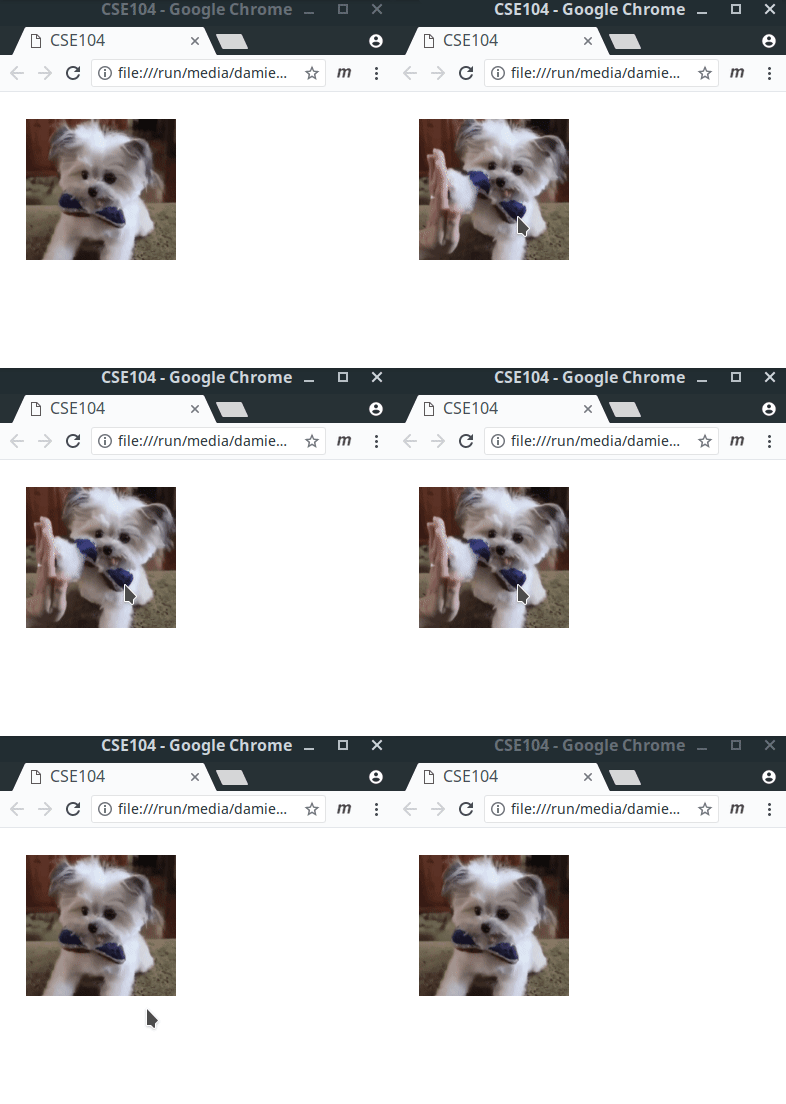
Re-create the behavior of this webpage where the image is switching when the user click on it (image1, image2).


Hints in JavaScript.
-
let x=0;initialize a variable named x that can be re-assigned. -
a%breturn the remainder of the integer division of a by b (modulus operator) -
Conditionnal in JavaScript can be coded using standard
ifstatements
if( condition ) {
  action ...
}
else {
  other action ...
}