11/14
5.1. Principle
The objective of this example is to animate, or more precisely rotates, the triangle through time.
General approach
Animating an object consists in drawing at each iteration of the animation loop a slightly different object.
A naive approach to rotates an object would be to compute at each iteration of the loop new coordinates, and then send to the GPU the new coordinates. This is possible, but would be slow for a large number of vertices due to heavy memory transfert.
A more common approach consists in computing the transformation of the vertex coordinates directly within the shader (typically in the vertex shader for a per vertex deformation). The shader will always receive as input the same coordinates, but will compute on the fly (and in parallel for each vertex) their new position.
Note that we saw previously how to send multiple per vertex data to the GPU that was constant along the animation loop. In the case of transformation, we aim at sending a single variable, for example the rotation matrix, which is constant through all vertices of the shape, but modify it at each iteration of the animation loop.
This can be performed using the so called Uniform variables.
Uniform variables can be seen as parameters that the CPU can directly pass to the GPU. Uniforms are constant for all vertices of a given shape, but can be modified in the main C++ program between two drawing calls.
Uniforms variables can be passed to all shaders using functions glUniformX, where X designates the type of the parameter.
Application to rotation
In the case of a rotating triangle, we aim at passing the following rotation matrix to the vertex shader
\[ R = \left( \begin{array}{rrrr} \cos(\theta) & \sin(\theta) & 0 & 0 \\ -\sin(\theta) & \cos(\theta) & 0 & 0 \\ 0 & 0 & 1 & 0 \\ 0 & 0 & 0 & 1 \\ \end{array} \right) \mbox{ ,} \] where \(\theta\) is increased at each iteration of the animation loop.
The change to be applied to the code are the following.
Shader
First the shader should receive and use the uniform variable. In our case, we add the declaration of a uniform variable of type mat4 called R, and then apply this matrix to the position of the vertex.
#version 330 core
layout (location = 0) in vec4 position;
uniform mat4 R;
void main()
{
    gl_Position = R*position;
}
Sending uniform
Once the transformation matrix is computed in the main program (in our case as an array of 16 components) [1]
    int counter = 0; // incrementing this parameter at each iteration
while( !glfwWindowShouldClose(window) ) {


    // Compute a slowly increasing variable
    const float t = counter/100.0f;


    // Compute the current rotation matrix
    const std::array<GLfloat,16> R = {
        std::cos(t),-std::sin(t),0,0,
        std::sin(t), std::cos(t),0,0,
                  0,           0,1,0,
                  0,           0,0,1
    };
    // ...
}
the variable R can be sent as a uniform parameter.
-
First the target parameter must be located in the shader from its name (parameters names in the C++ program and in the shader can be different). This is performed using the function glGetUniformLocation.
const GLint R_loc = glGetUniformLocation(shader, "R");-
Before the draw call, the uniform parameter can be sent using in this case the function glUniformMatrix4fv(GLint location, GLsizei count, GLboolean transpose, const GLfloat* value).
-
location: Localization of the variable computed using glGetUniformLocation
-
count: Number of uniform parameters passed by this call. In our case, we only pass one matrix.
-
transpose: Indicates if the matrix should be transposed when passed to the shader. GLSL use column major matrix representation, which is the transposed version of the representation we implicitely used when writting components from left to right in an array in C++. Therefore we set this parameter to true.
-
value: Adress of the first element of the data following the C standard of passing array of values (note that the matrix should necessarily be stored as a contiguous array of value in the C++ program).
-
glUniformMatrix4fv(R_loc, 1, GL_TRUE, &R[0]); // Send rotation matrix as uniform parameterNote that the value of the uniform variable will remains the same (for a given shader) until you write on it again.
Example
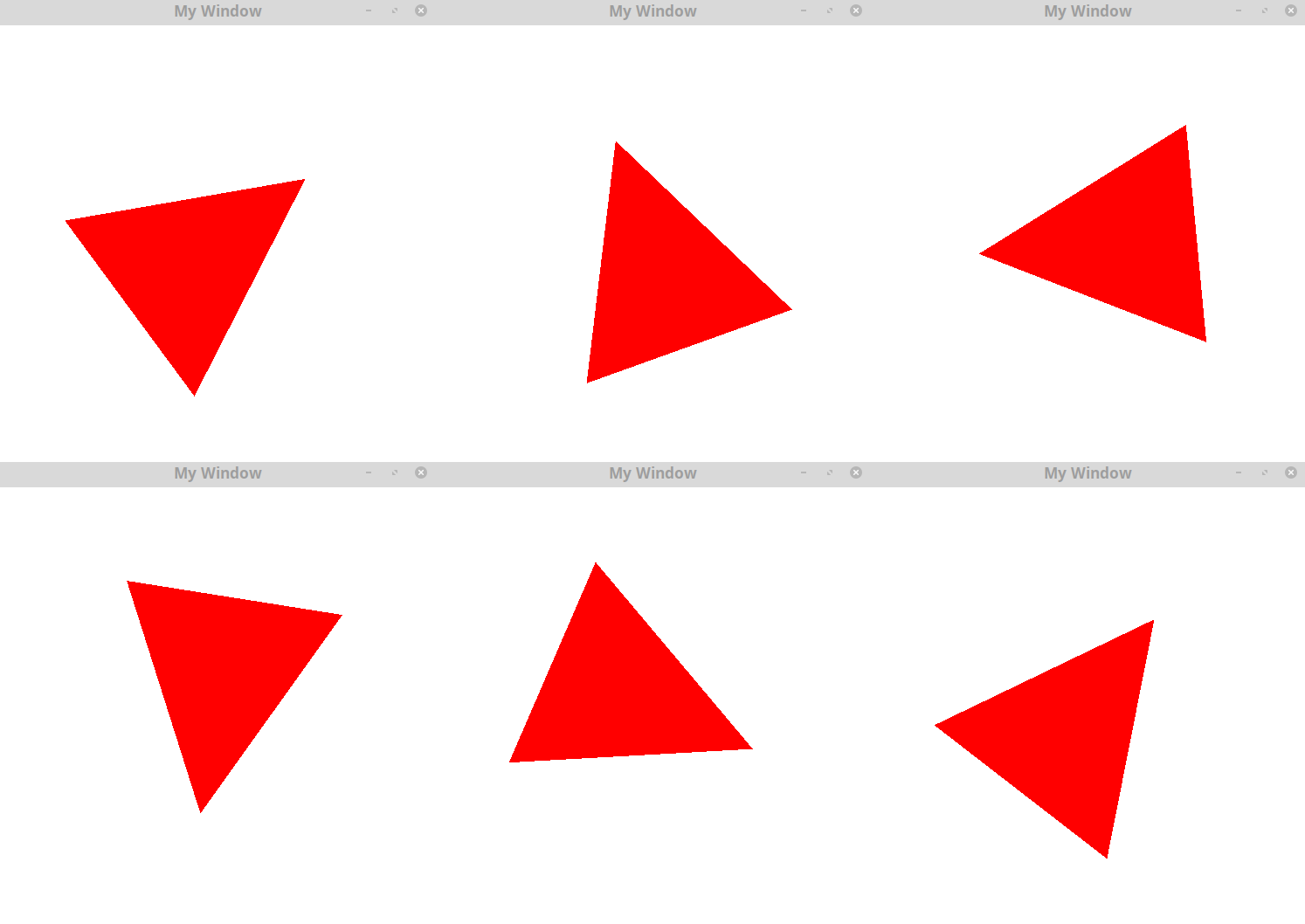
The following code send a rotation matrix as uniform to model a rotating triangle.
-
Compile and execute this code and make sure you can observe the rotation of the triangle.
Exercise
-
Change the speed of the rotation in modifying the computation of the variable t.
-
Create a new Uniform variable color used to defined the color of fragments in the fragment shader.
Consider the following position data
const std::vector<GLfloat> position = {
    -0.5f, -0.5f, 0.0f,
     0.5f, -0.5f, 0.0f,
     0.0f,  0.5f, 0.0f,


     0.2f,  0.2f, 0.0f,
     0.8f,  0.2f, 0.0f,
     0.8f,  0.8f, 0.0f
};
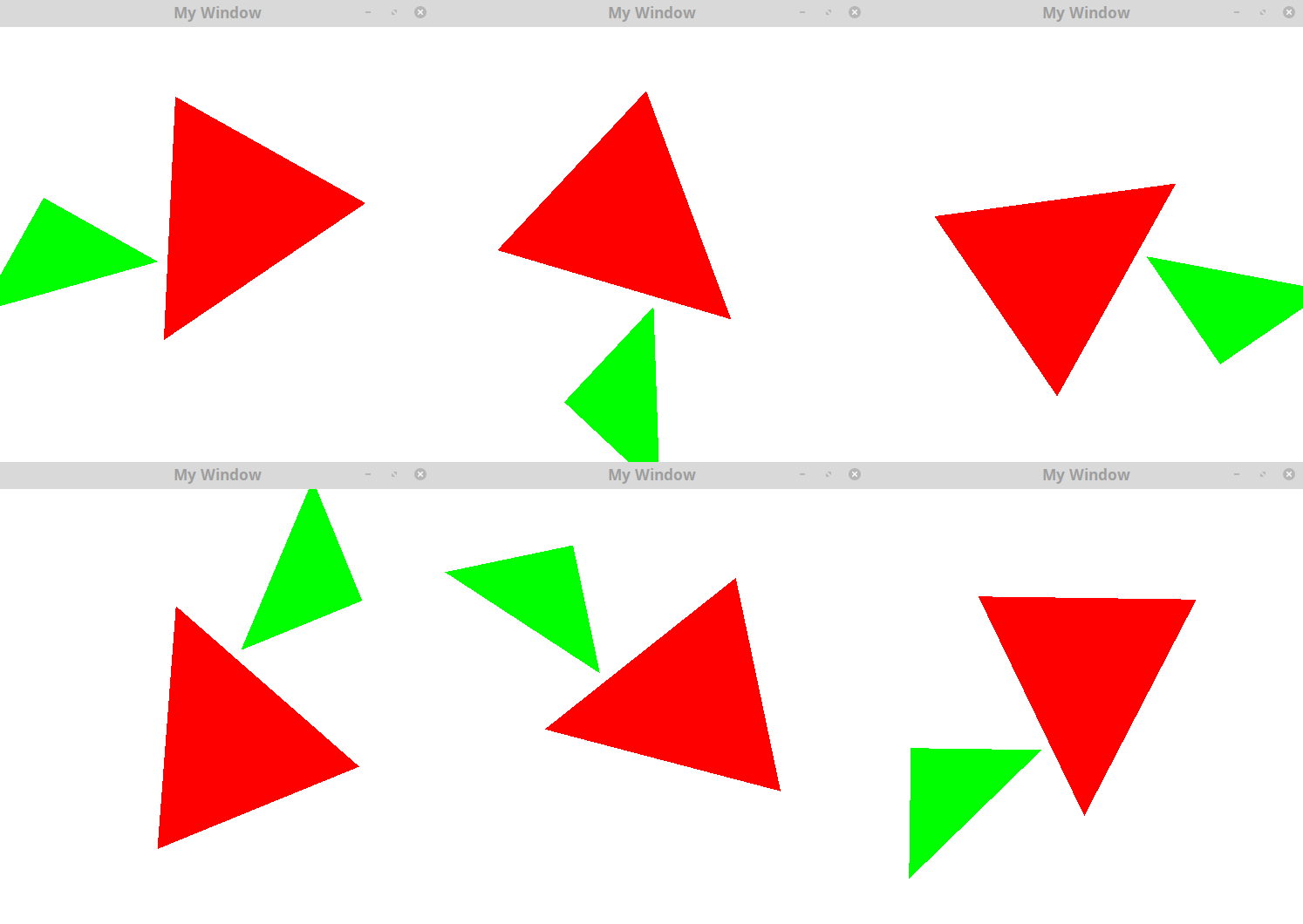
We suppose that the first three positions correspond to a red triangle, and the last three correspond to a green triangle.
-
Using your previous uniform variable color, implement the display of these two triangles (both will follow the same rotation).
Hints
The display procedure can be the following
-
Send Rotation matrix as uniform
-
Send the red color as uniform
-
Display the first three vertices
-
Send the green color as uniform
-
Display the next three vertices