12/14
5.2. Functions and files
The previous programs were fully written in a single file, with almost no use of functions. As in any program, subparts of the program can be regrouped in functions helping readability and reusability.
The following program implement the same result as in the previous example (rotating red triangle), but
-
Subparts of code are grouped into separate functions
-
Homogeneous pieces of code are separated in different files
-
main.cpp contains the general function calls and the specific 3D scene content setup and draw calls.
-
opengl_helper.cpp contains generic OpenGL procedures that you may reuse in different programs (compiling shaders, etc). Note that the shader compilation now includes error checking, and OpenGL errors are more precisely reported.
-
window_helper.cpp contains generic code to initialize GLFW, create window with OpenGL context.
-
the directory shaders/ contains the GLSL code in separated external files (vertex shader, fragment shader). These files are read each time the program is run.
-
[ code ]
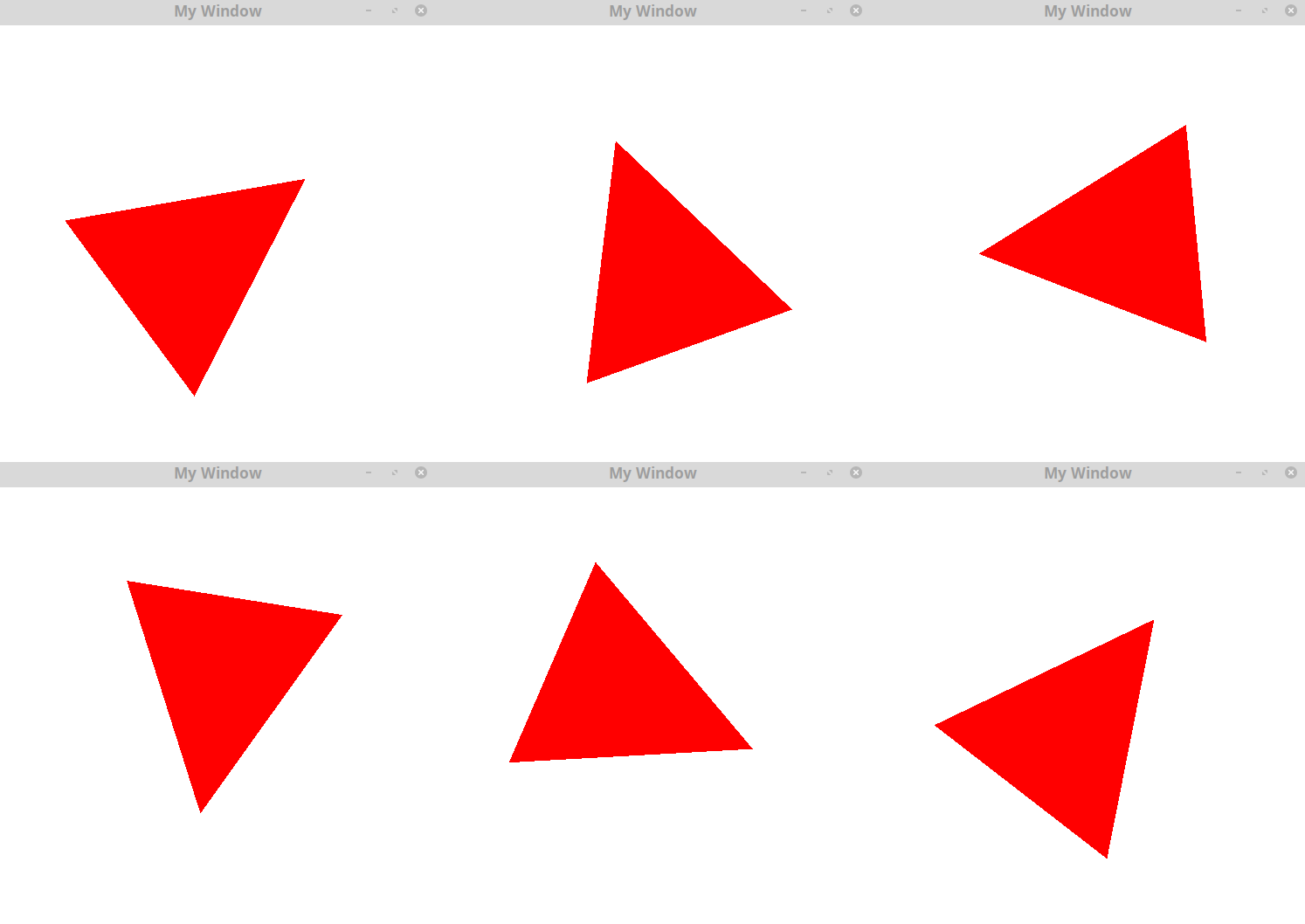
-
Make sure you are able to compile and execute the code
Note that this time your program should be executed from the directory 06_functions_and_files/ (or more generally, from a path where the directory shaders/ is accessible). When loading the shaders files, the relative path shaders/vertex[fragment]_shader.glsl is set in the code, and should be available where the code is executed.
In practice, if you are executing your code from a command line, run it from the directory 06_functions_and_files/ (see README for instructions), and if you are executing it from an IDE, you need to set the "run" directory.